A hardware-based zombie chase game on a handheld Raspberry Pi terminal. Your street is a live zombie-infested map — and you are the controller. No joystick, no WASD (unless you're indoors testing). You outrun zombies by actually outrunning them.
This page documents the making of the project as a timeline — each milestone has text, images, and video from the build. Seesrc/data/timeline.ts for where to edit.
Platform
Pi 3 + 3.5" TFT
Input
GPS body + CardKB
Maps
OSM offline
Stack
Python + Rust
Build timeline
Day 0 — The Idea
What if your street was the game map?
Concept & useless-problem framing
Idea
Zombie Deck started as a joke with a real question: how close is the nearest zombie while jogging past the local chaya kada? We sketched a handheld Pi terminal that turns OpenStreetMap roads + POIs into a live ASCII survival map. No joystick — you are the controller.
Problem statement: quantify undead pursuit distance
Solution sketch: Pi + TFT + GPS + keyboard
Success criteria: run, or get eaten
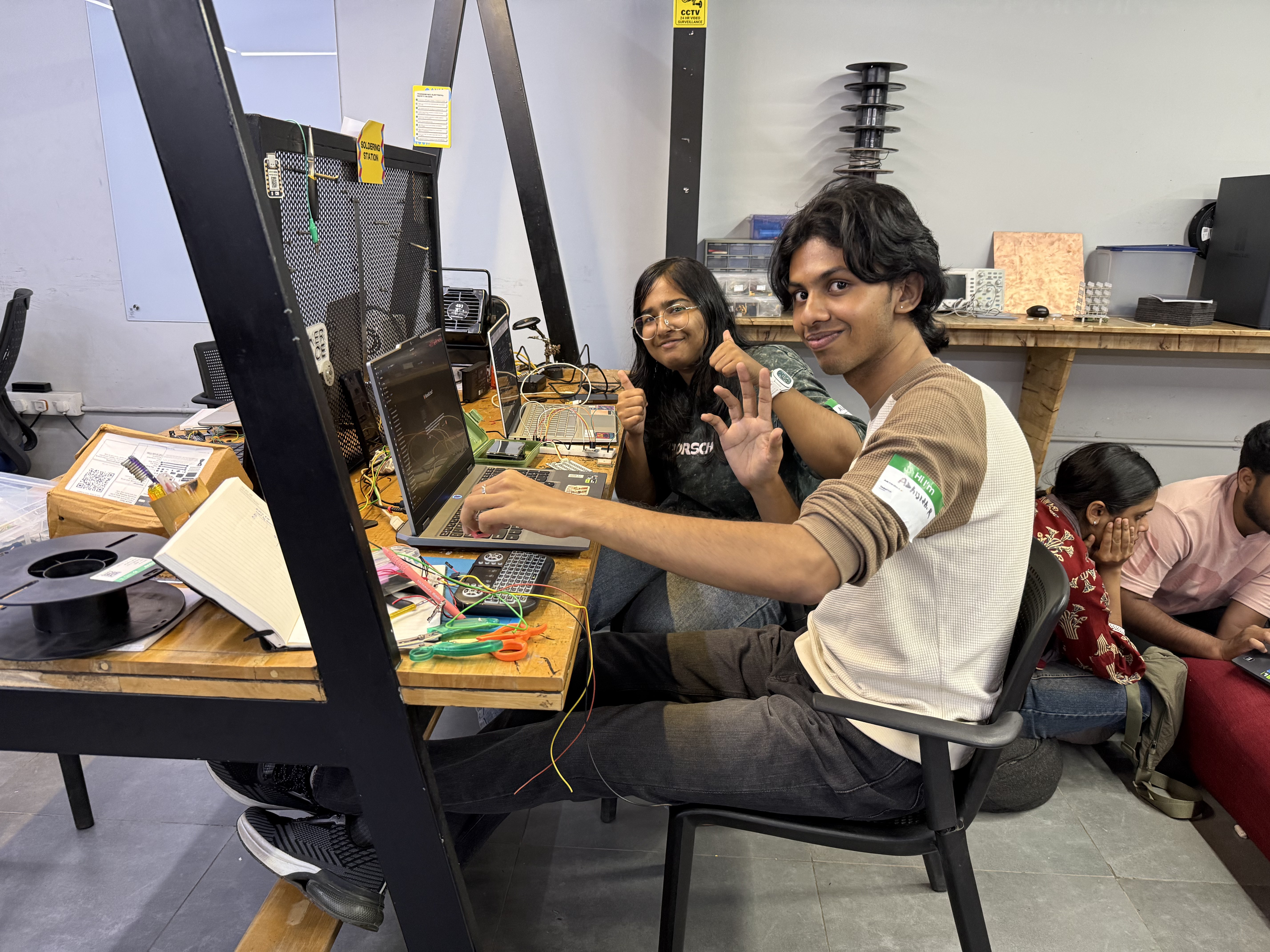
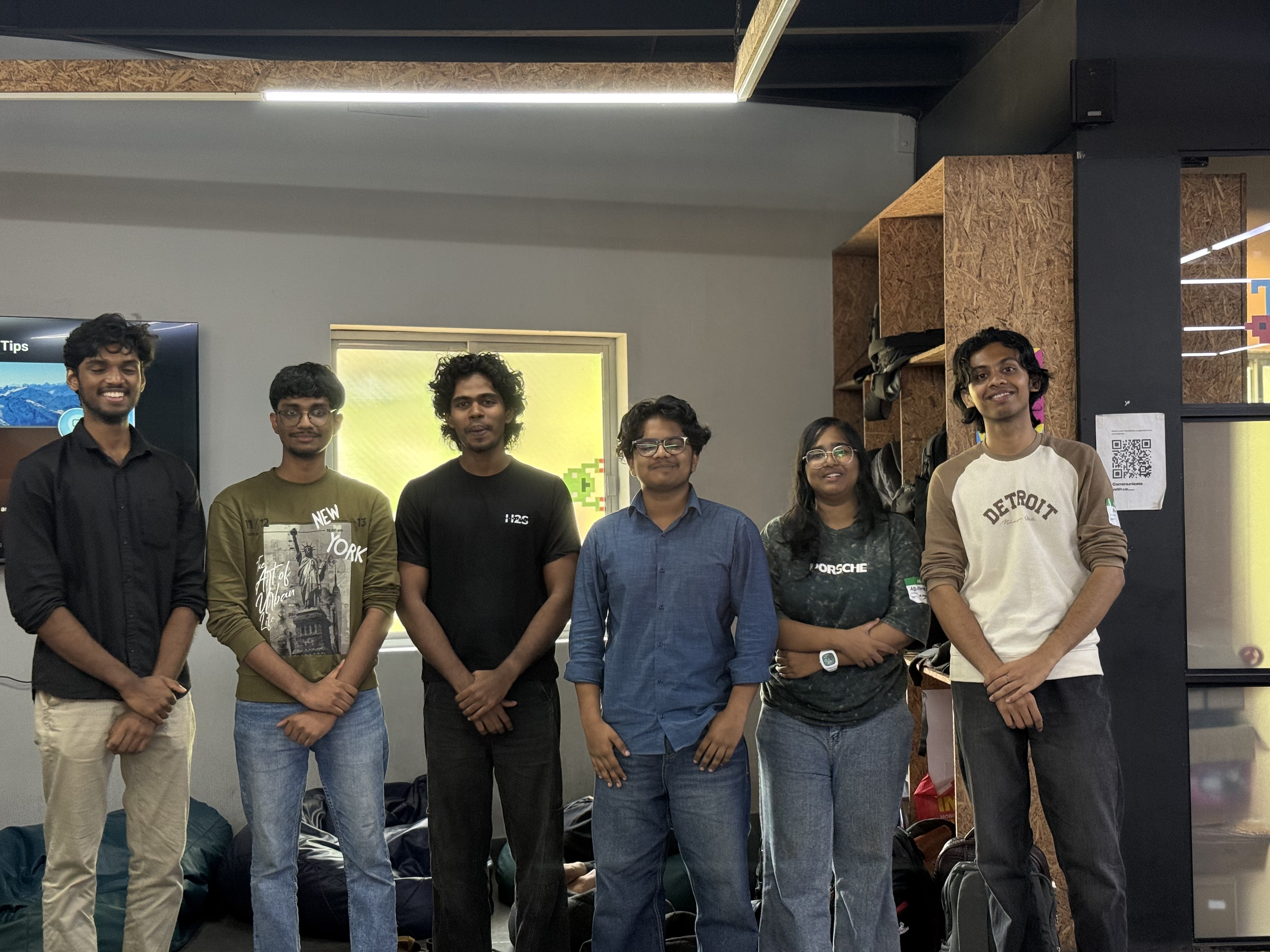
The team that decided jogging needed zombies
#concept
#design
Build 01 — First Prototype
Green dot vs. red dots
Python curses prototype in --sim mode
Prototype
First playable prototype in app/cyberdeck.py. Black terminal, green player, red zombies that chase and catch. WASD movement with --sim flag for indoor testing. Tuning knobs: SCALE_M_PER_CELL, ZOMBIE_COUNT, ZOMBIE_SPEED_MPS, CATCH_RADIUS_M.
fetch_map.py downloads roads + POIs around your lat/lon from the Overpass API (stdlib only, no deps). The game then plays offline in the field. Named establishments are drawn so you can run toward shelter.
Overpass query: roads + POIs within radius
Offline-first: pre-fetch with internet, play without
Named places + shelter callouts
Mapping the neighbourhood — OSM fetch in action
#osm
#maps
#offline
Build 03 — You Are the Joystick
Live GPS movement
NEO-6M over UART + pynmea2 / pyserial
Testing
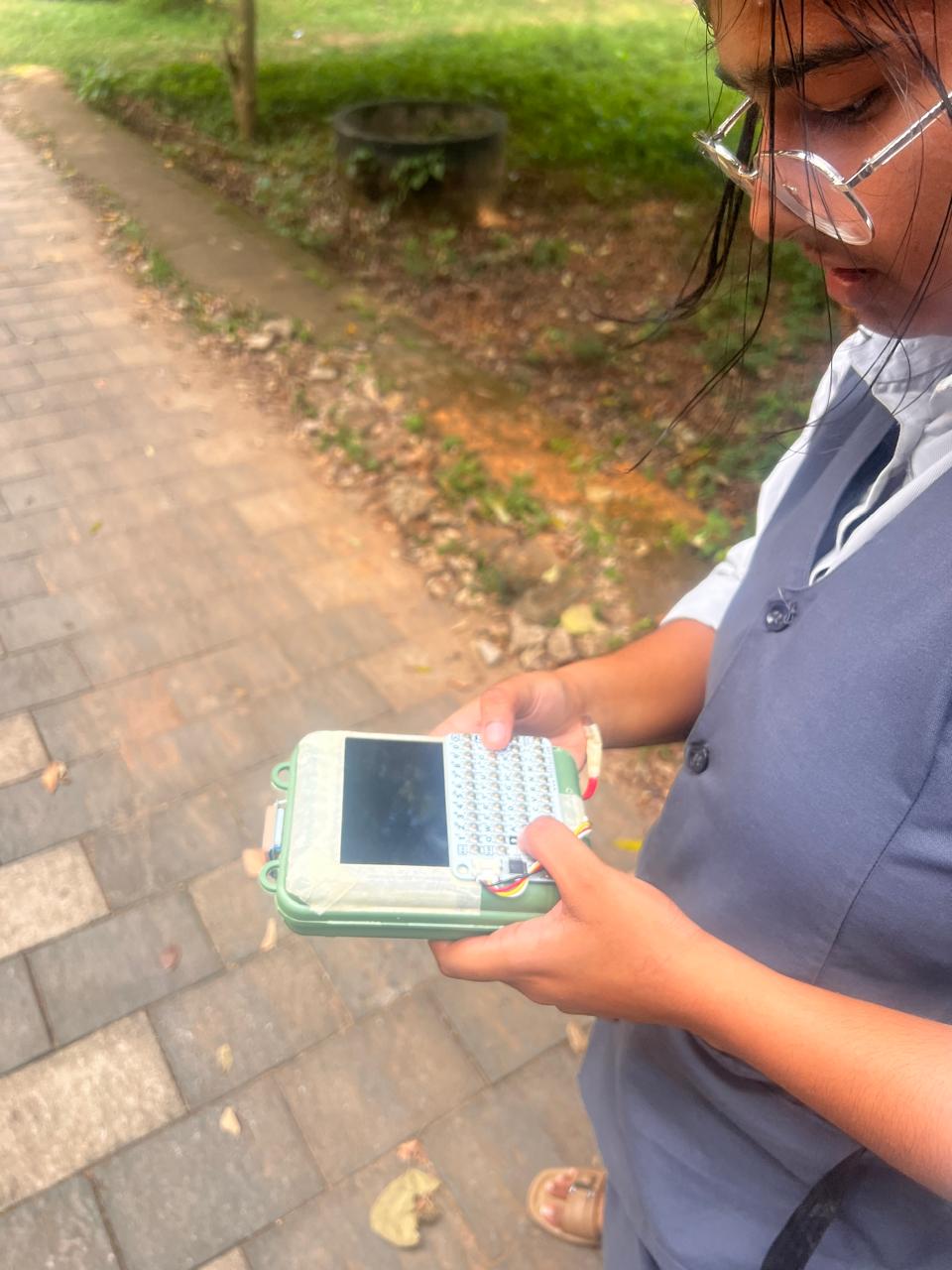
Outdoors, your body is the joystick. NEO-6M GPS over UART (9600 baud NMEA) feeds player position. Indoors, fall back to --sim WASD. TFT occupies hardware UART so GPIO16 bit-bang mode via pigpio is supported.
GPS parsing: pynmea2 + pyserial
Wiring: TX → GPIO16, GND, VCC
Field test: walking = moving on map
Out in the field with the deck
Talking through the GPS field tests
#gps
#hardware
#neo-6m
Build 04 — Rust Port
Faster TUI, same hunger
ratatui + crossterm binaries
Building
Rust port for speed: zdeck-game / zdeck-gps / zdeck-fetch / zdeck-run / zdeck-cardkb. Same game logic, snappier terminal UI. Cross-compile for Pi 3 (arm64 + armv7) via Docker in rust/build-pi.sh.
ratatui + crossterm TUI
clap CLI, serde_json maps
Side-by-side Python vs Rust demo
Presenting the faster TUI
Rust TUI integrated and running
#rust
#ratatui
#tui
Build 05 — The Cyber Deck
Pi + TFT + CardKB assembly
Schematic, circuit, build photos
Building
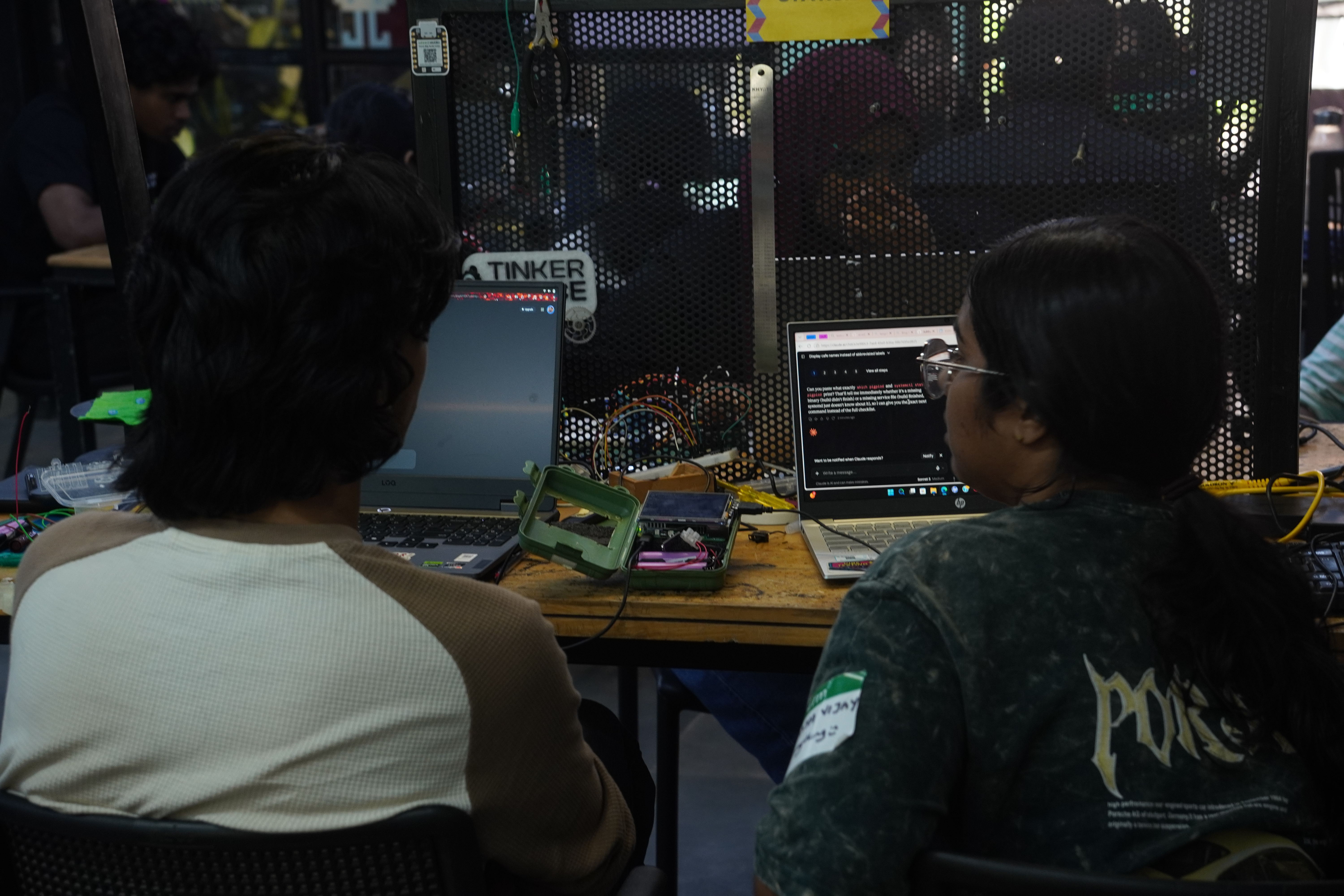
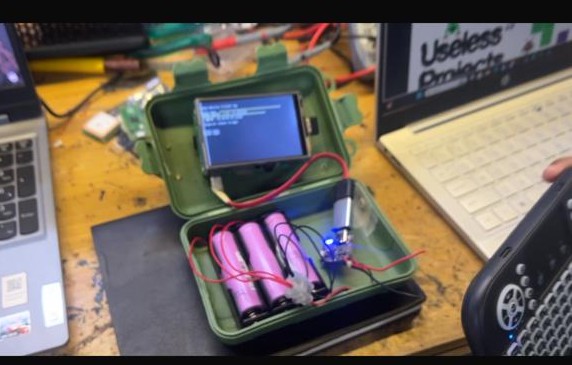
Handheld assembly: Pi 3, 3.5in TFT over SPI, M5Stack CardKB over I2C (0x5F) exposed via uinput, USB power bank. Boot-to-game via tty1 login hook (zdeck-main.sh). CardKB setup + diagnostics in cardkb/.
Schematic + circuit photos
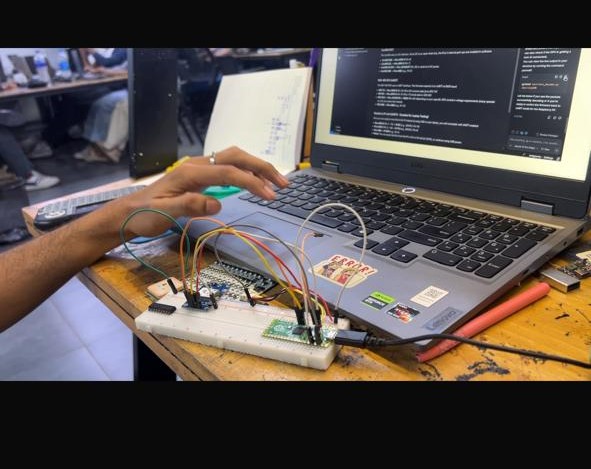
CardKB I2C wiring: SDA→GPIO2, SCL→GPIO3
Build progress photos
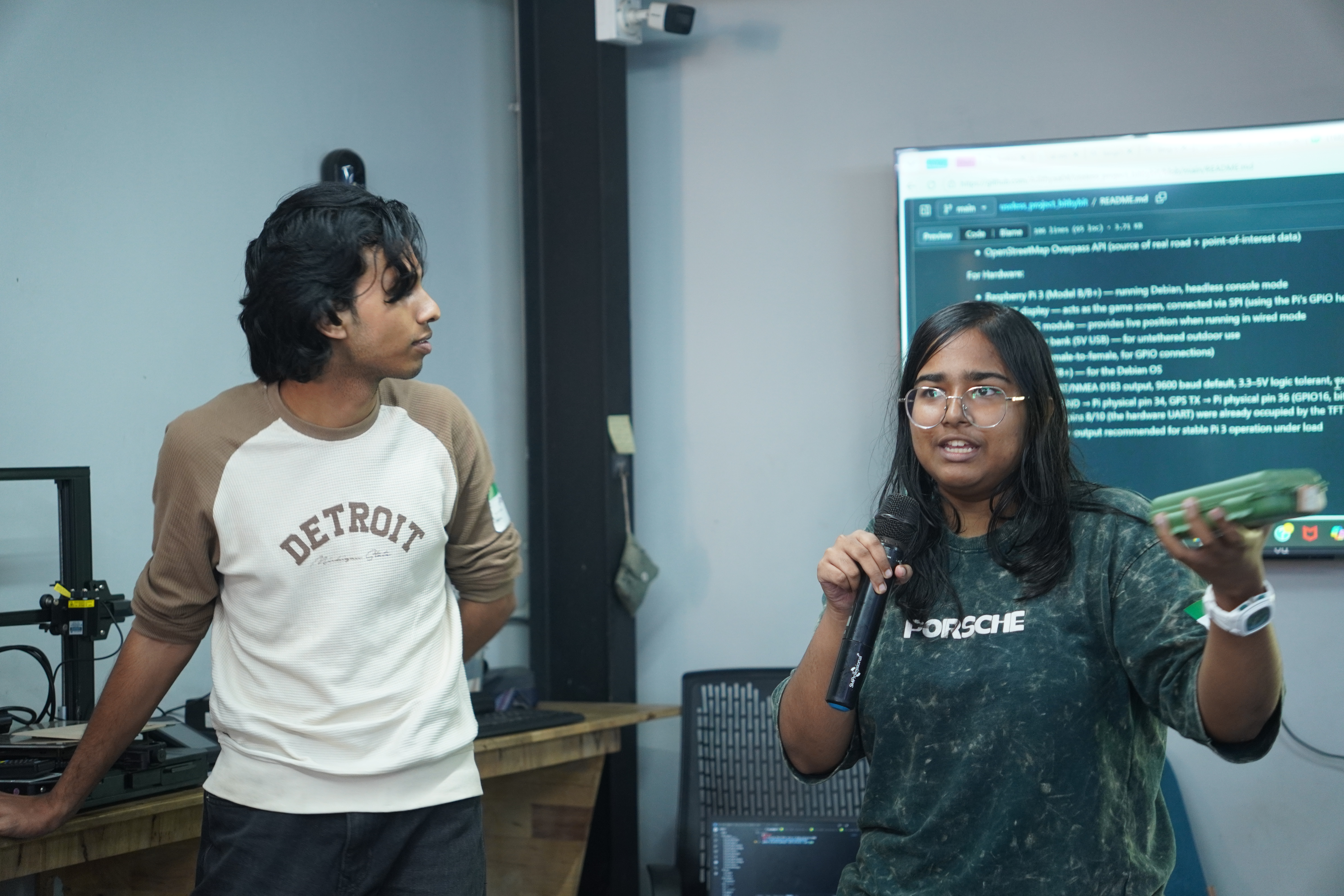
The assembled deckPutting the hardware togetherBuilders with their creation
Interview on the deck assembly
#hardware
#pi3
#tft
#cardkb
Now — Demo Day
Run for your life
Live demo + what's next
Done
Final demo: power on, load locality, spawn zombies, run. Next: sound, haptics, multiplayer horde mode, bigger TFT?
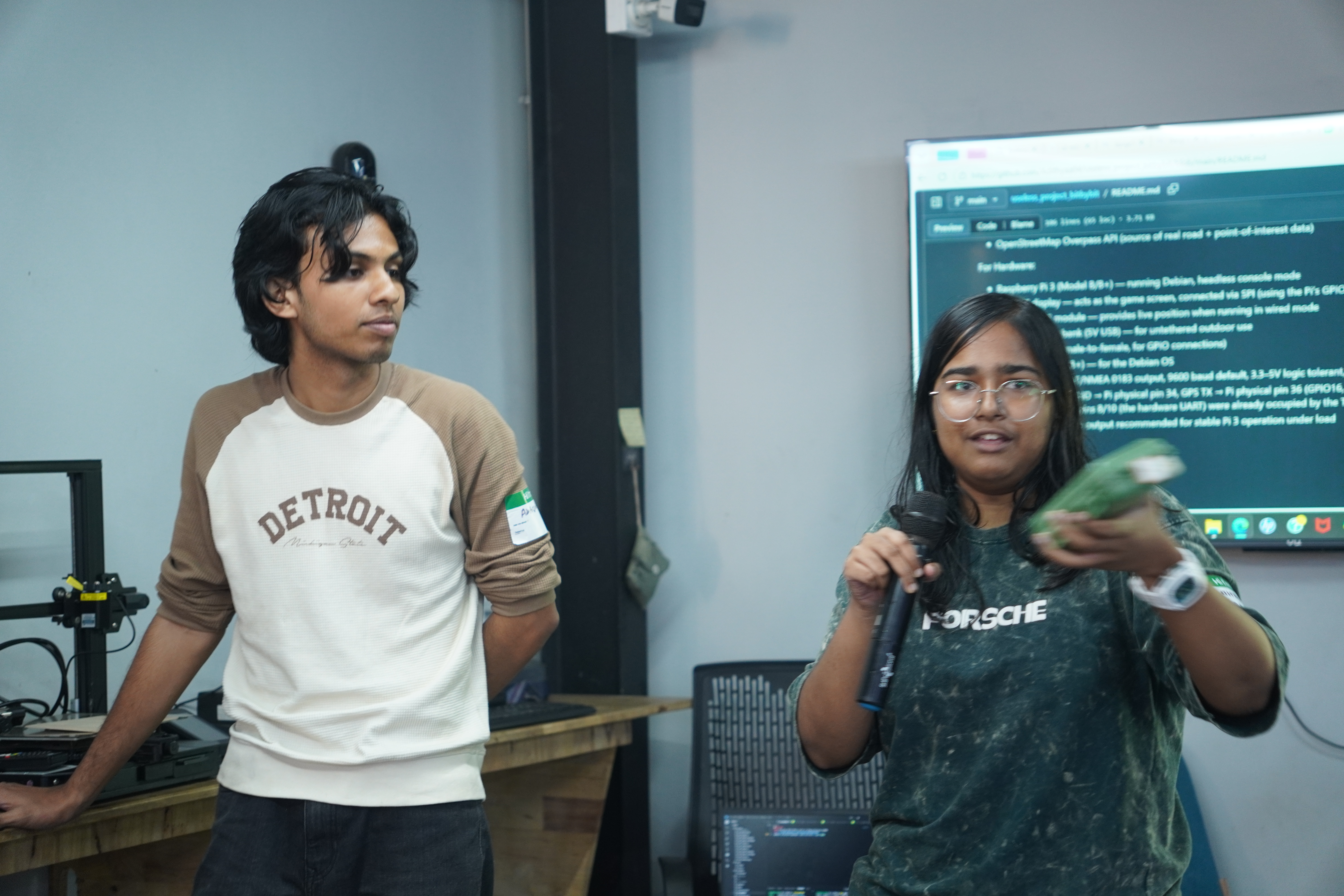
Zombie Deck made it to the Top 5 at TinkerHub Useless Projects 3.0! All that running from imaginary zombies paid off. Thanks to everyone who cheered, played the demo, and believed that jogging needed zombies.
.JPG)
.JPG)